BlueStacks 5で60 FPSのBed Wars - Adventuresをプレイする

これはどのように役立ちますか?

今、BlueStacks 5で60 FPSのBed Wars - Adventuresをプレイできます。 敵があなたのベッドを攻撃しようとする中、彼らを破壊する準備をしましょう FPSを向上させることで。 

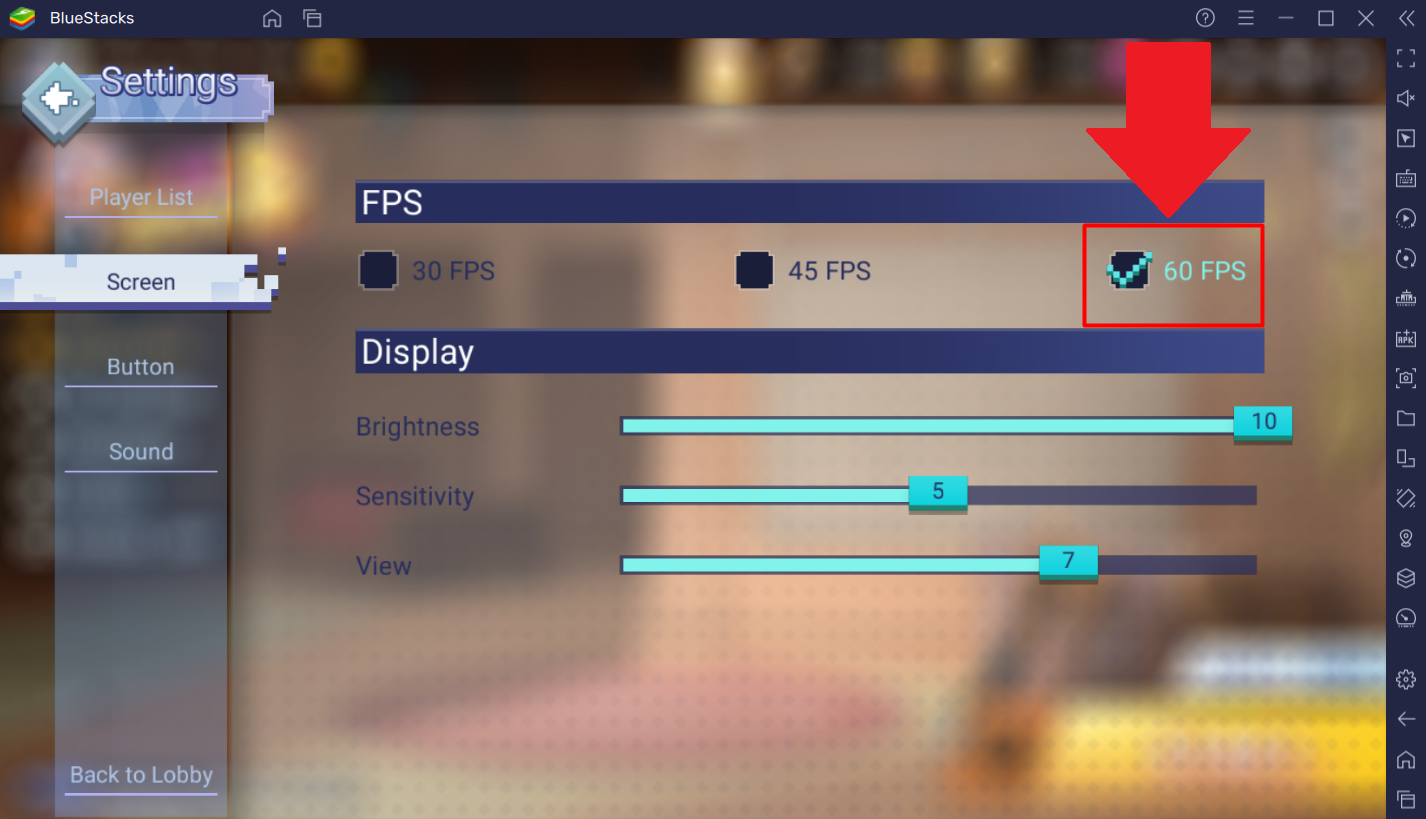
これを達成するには、 "FPS" を "60 FPS" に設定します。

あなたのベッドがあなたの死か生存を決定するこの世界に飛び込む準備はできていますか?最後の生存チームの一員になるための資質はありますか?それを守るか、さもなくばすべてを失うことになります! 


これはどうやって行うのですか?

1. BlueStacks 5のホーム画面からBed Wars - Adventuresを起動します。
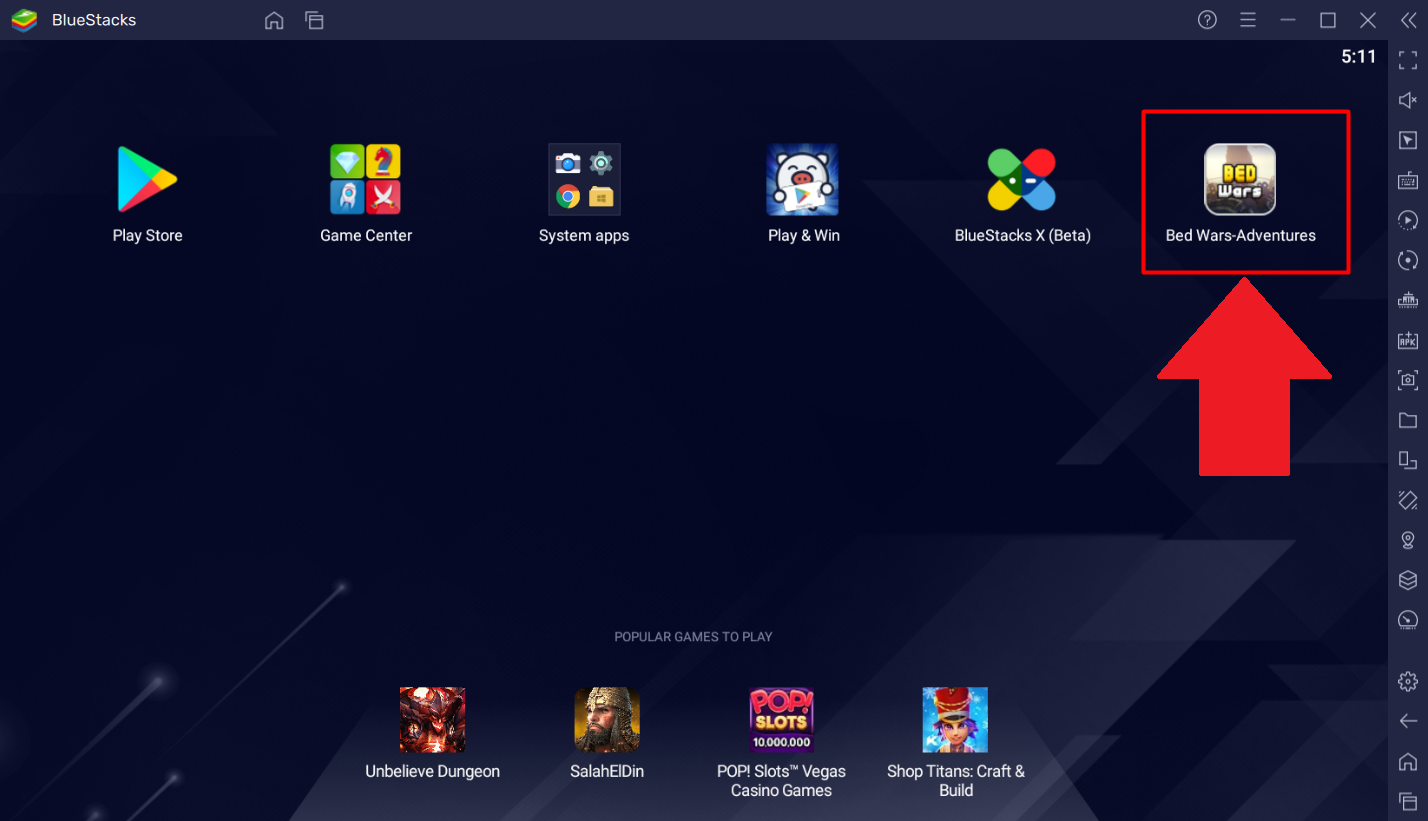
Screenshot_5.png

2. 画面の左上隅にあるギアアイコンをクリックして、ゲーム内設定メニューにアクセスします。
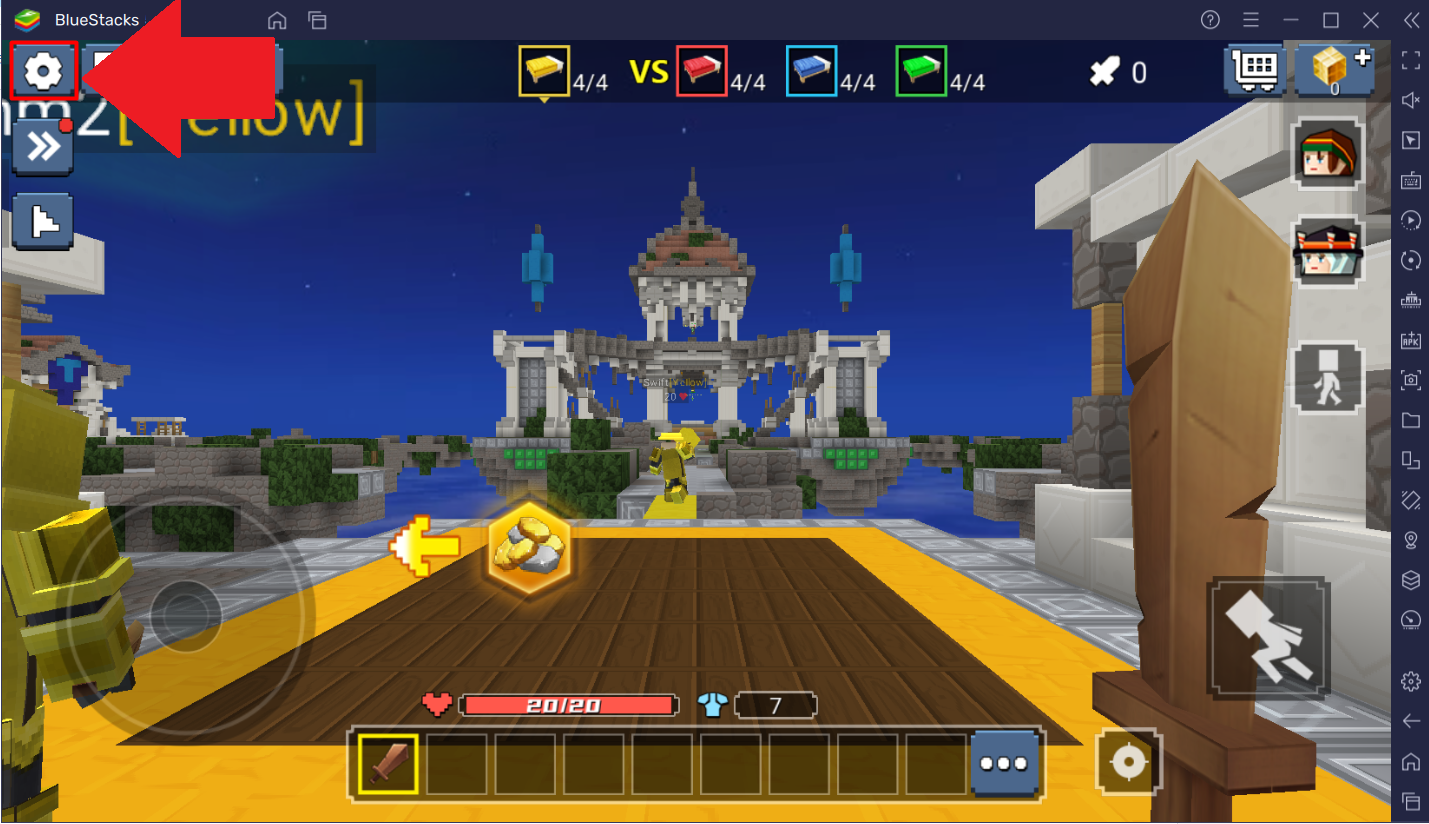
Screenshot_6.png

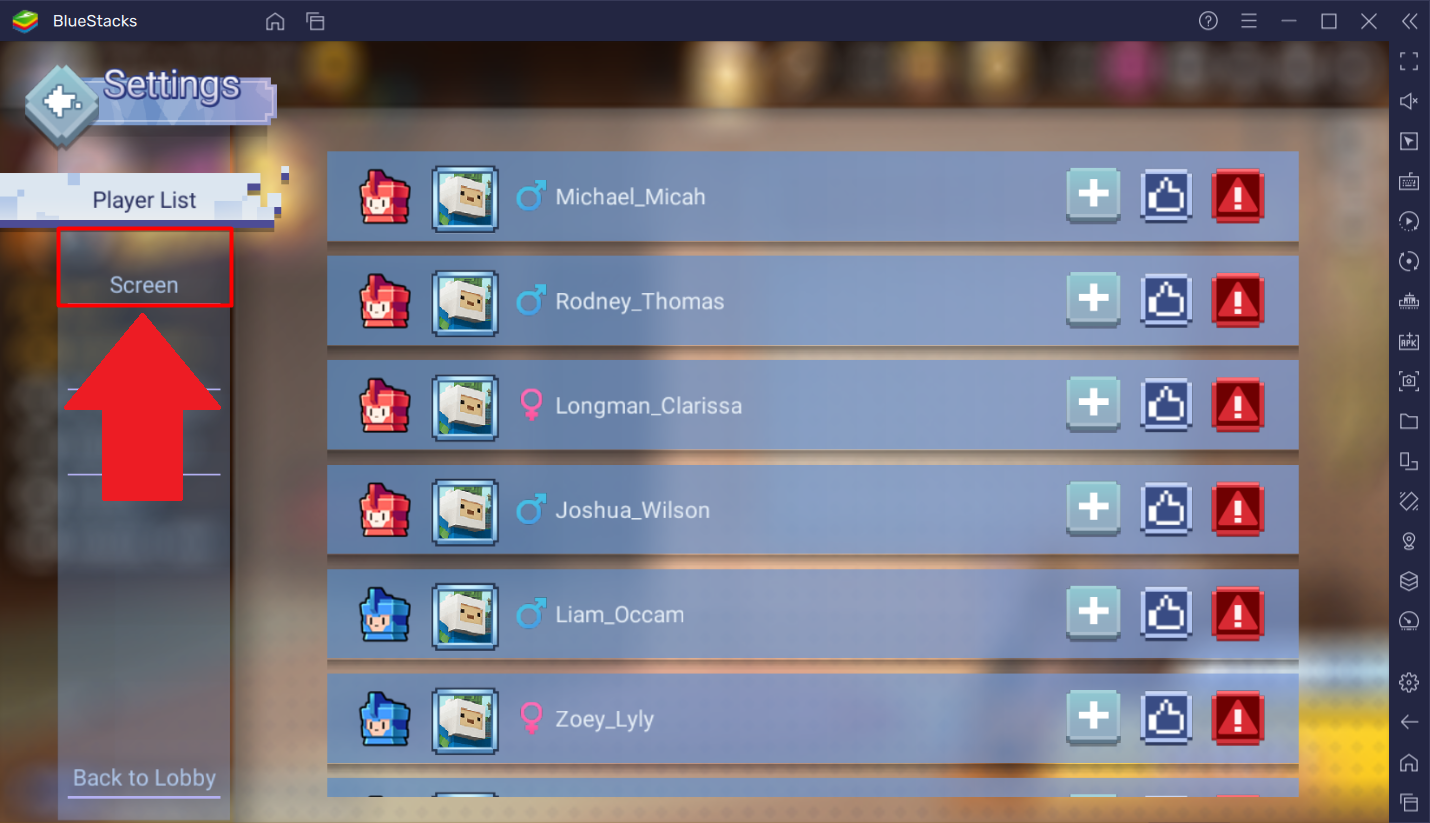
3. "画面"タブに移動し、それをクリックします。

Screenshot_7.png

4. "FPS""60 FPS"に設定します。以下のように。

Screenshot_8.png

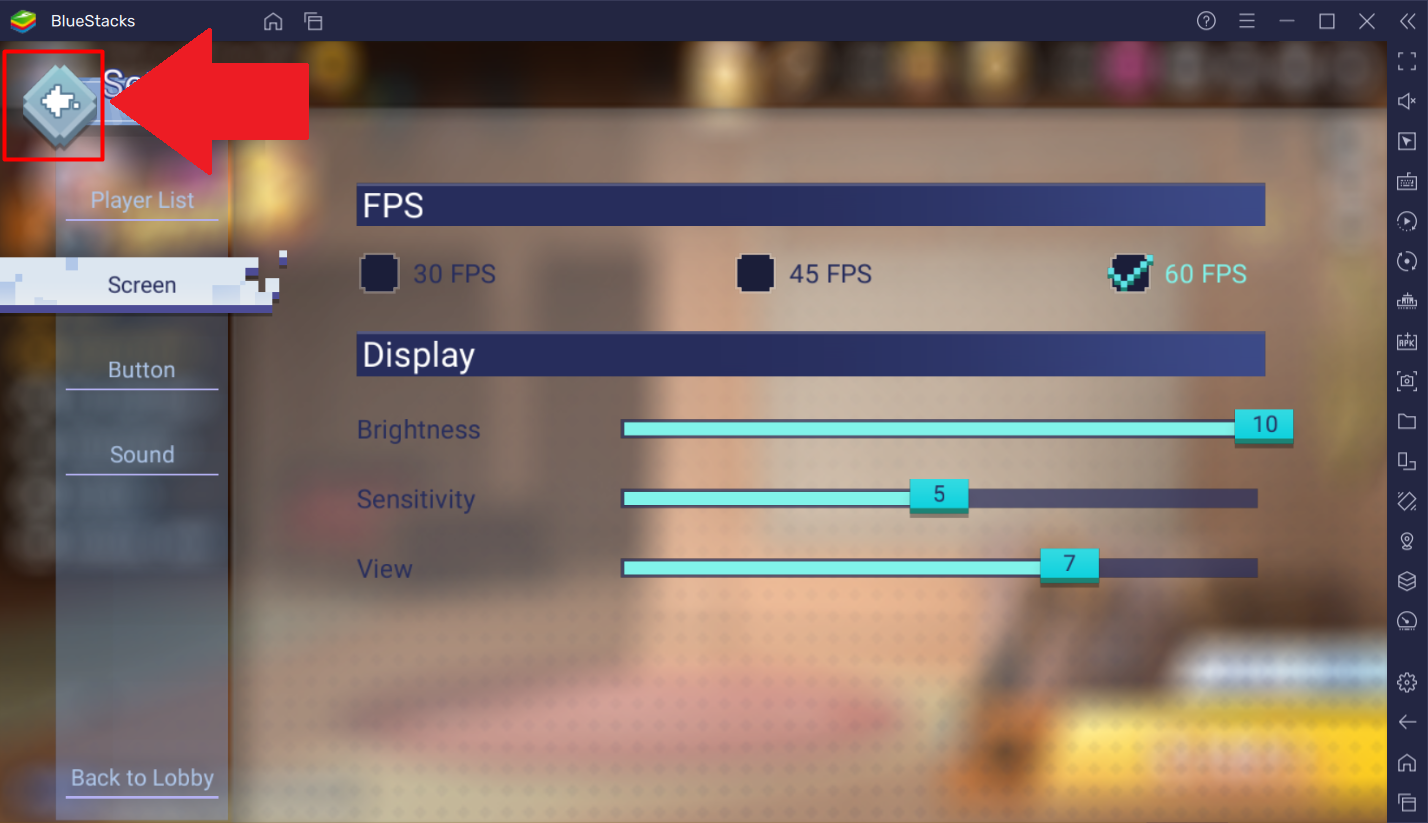
5. 画面の左上隅にある戻るボタンをクリックして設定を保存します。

Screenshot_9.png

BlueStacks 5で60 FPSのBed Wars - Adventuresをプレイし、さまざまな島を探検し、自分の価値を証明してください。 


BlueStacks 5を選んでいただきありがとうございます。楽しんでいただけることを願っています。ゲームを楽しんでください!

この記事は役に立ちましたか?
26人中22人がこの記事が役に立ったと言っています
Reach out to us on Reddit (Join Reddit) or Discord (Join Discord) or at support@bluestacks.com with your questions.

We’d love to hear from you! Please take a moment to share your thoughts on the BlueStacks Help Center via this survey.
Subscribe to BlueStacks Weekly!
Get updates on new releases, features, and fixes. Discover trending games & enjoy exclusive gift codes!
By subscribing, I agree to receive weekly updates from the BlueStacks Help Center.
Thank you for subscribing to BlueStacks Weekly
Keep an eye on your inbox for updates on the latest features, gaming trends, bug fixes, gift codes, and much more!