كيف سيساعد هذا؟
ستعلمك هذه المقالة كيف يمكنك إبقاء المؤشر مغلقًا داخل نافذة اللعب في BlueStacks.
كيف يمكنني قفل المؤشر؟
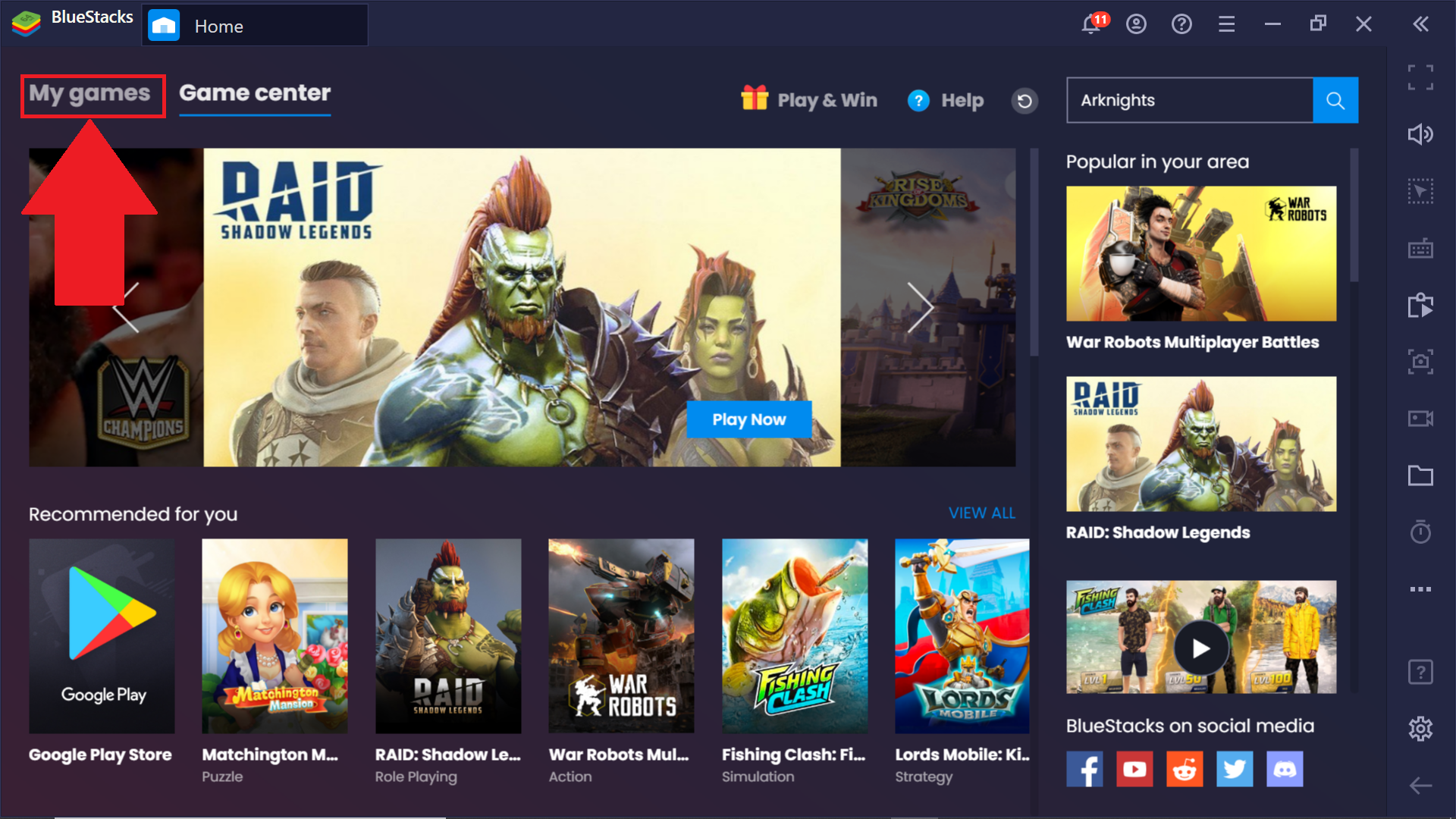
1. قم بتشغيل BlueStack وانتقل إلى قسم ألعابي.
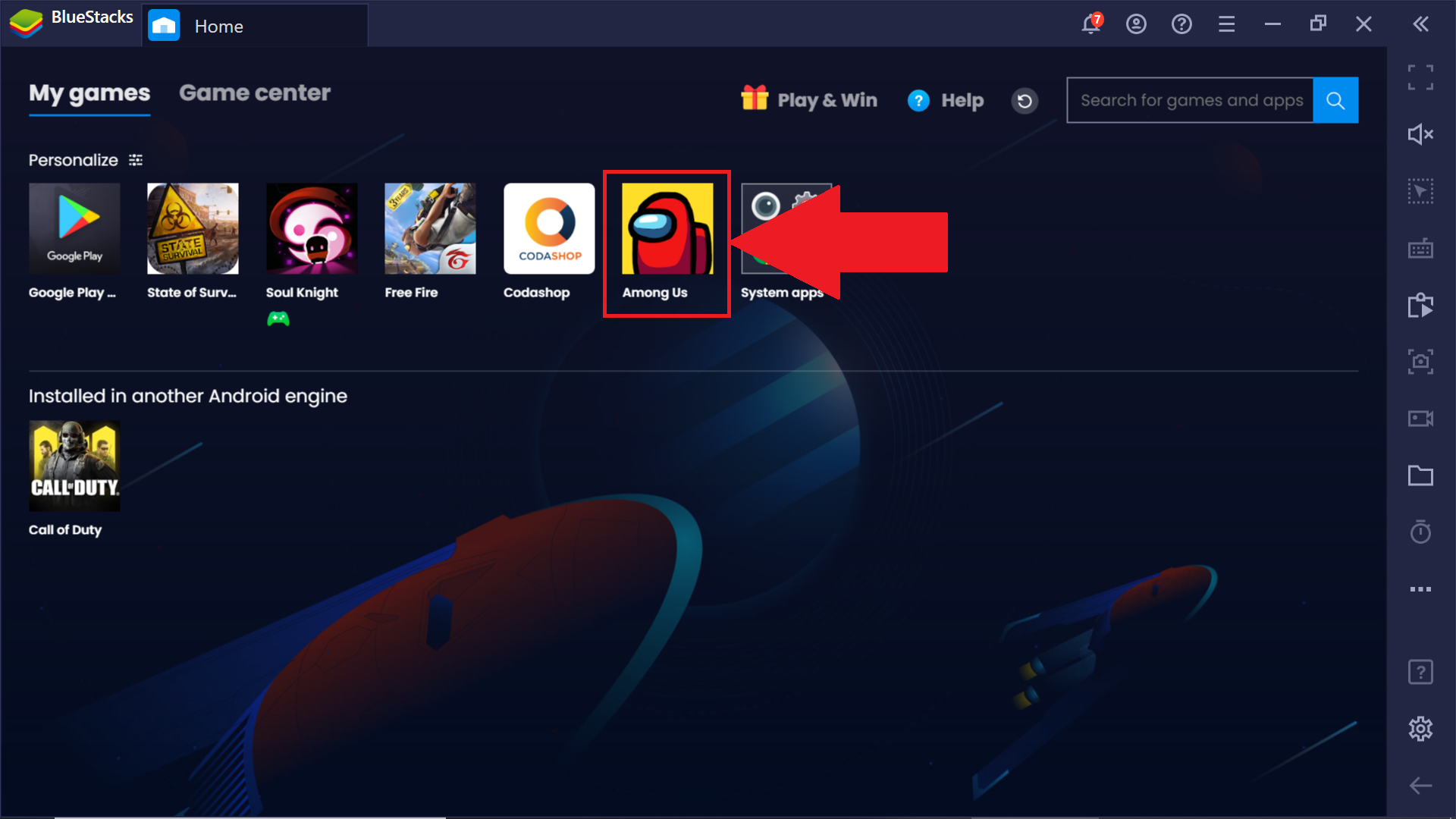
2. هنا ، افتح أي لعبة تريدها. لنأخذ بيننا كمثال.
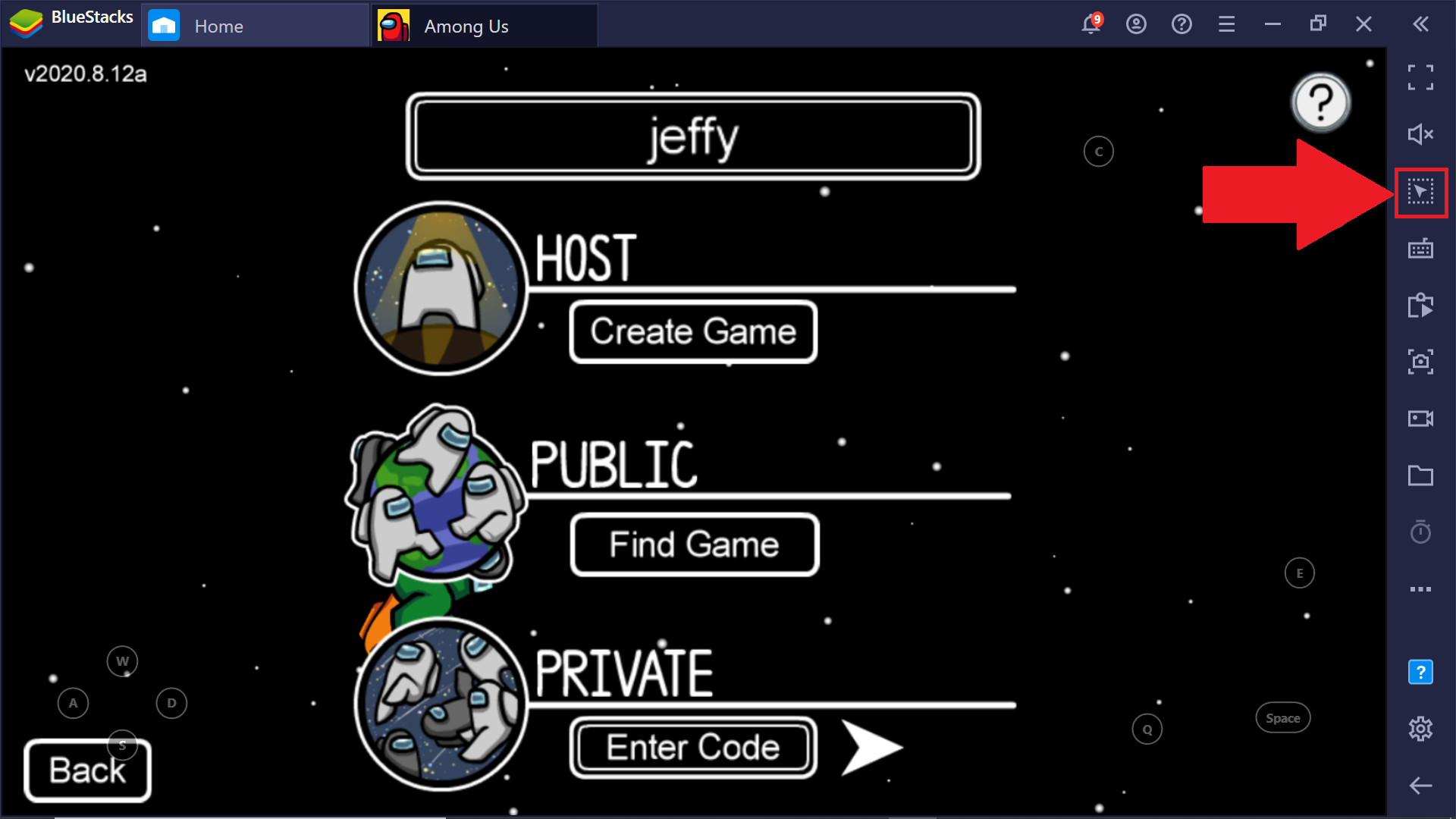
3. يمكنك قفل المؤشر داخل اللعبة إما بالنقر فوق أداة المؤشر Lock / Unlock الموجودة في شريط الأدوات الجانبي أو بالضغط على المفاتيح ، Ctrl + Shift + F8.
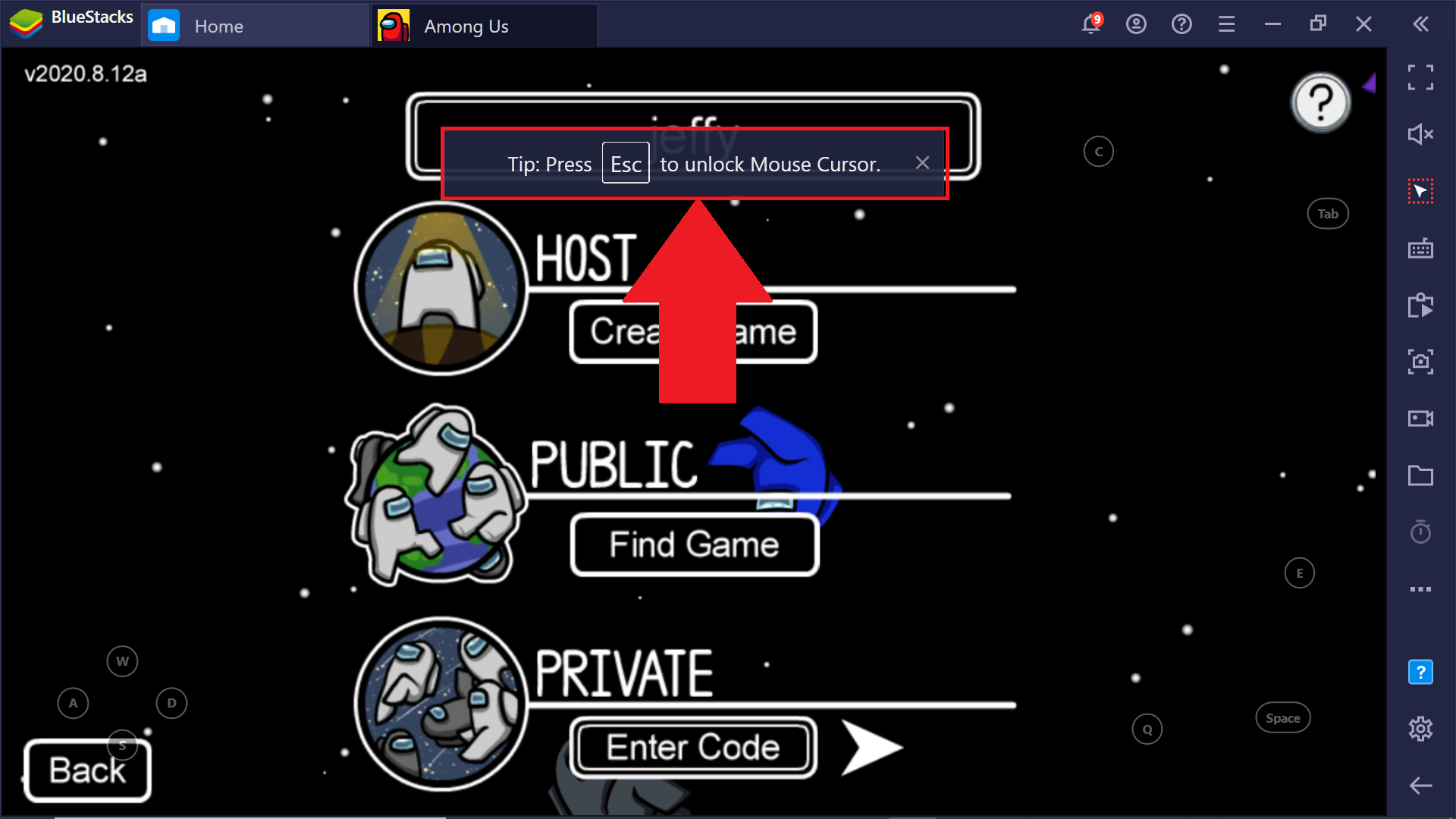
سيتم الآن قفل المؤشر داخل شاشة لعبتك. يمكنك فتحه بسهولة بالضغط على مفتاح Esc (Escape) ، وتحريره من نافذة اللعب.
ملاحظة: يؤدي استخدام Alt + Tab للتبديل بين البرامج المختلفة على جهاز الكمبيوتر الخاص بك أو استخدام الاختصار Ctrl + Shift + H لعرض دليل اللعبة أيضًا إلى تحرير المؤشر.
نحن نقدر حقا اختيارك بلو ستاكس. نأمل أن تستمتع باستخدامه. إذا كان لديك أي أسئلة أخرى ، يرجى الاتصال بنا على .support.bluestacks.com شكرا جزيلا.