Game Highlights
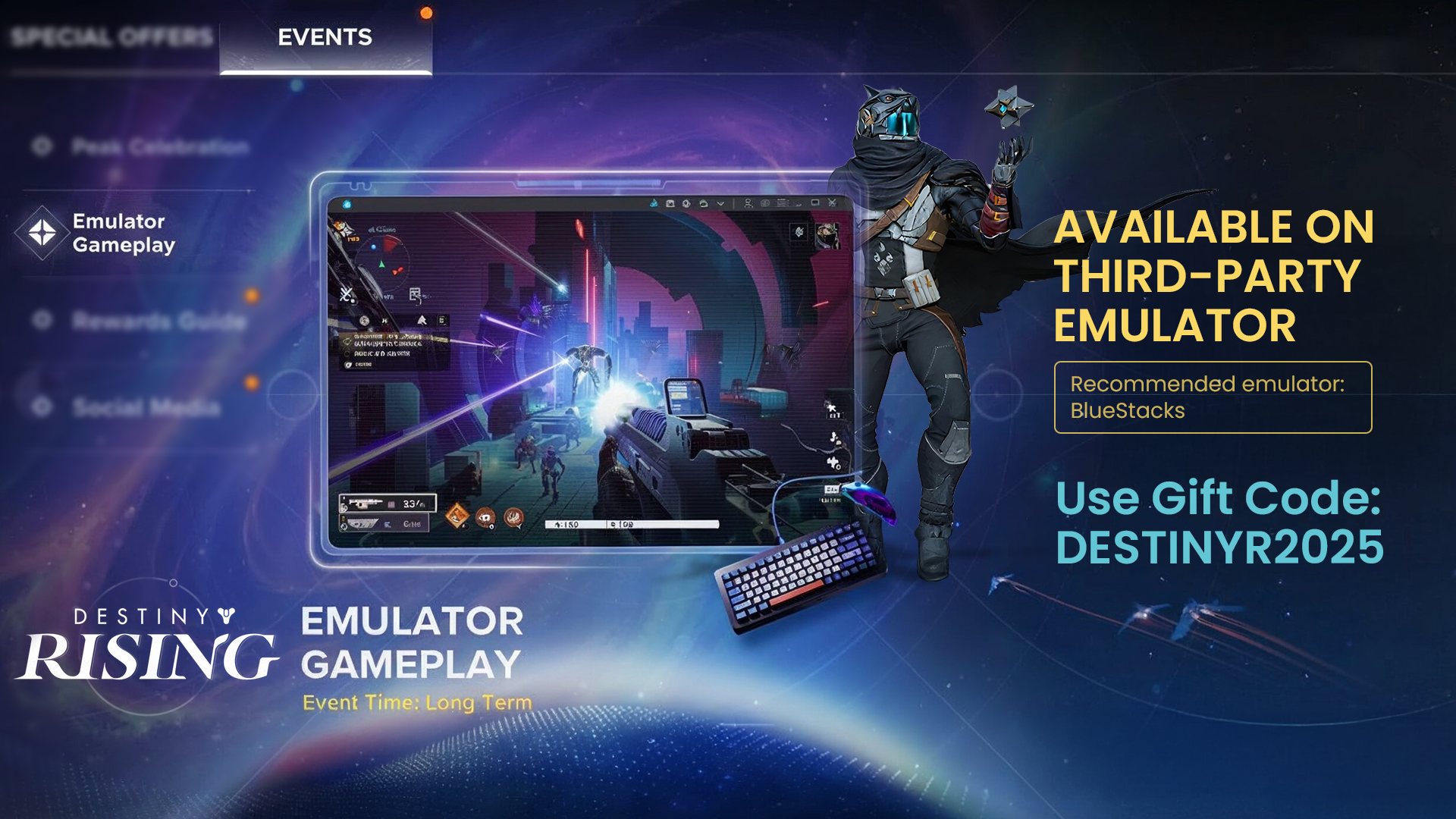
Join the epic struggle for survival and reclaim your world in Destiny: Rising on BlueStacks 5. Face off against enemies, uncover the secrets of a broken Earth, and assemble a team of legends, each with unique abilities and a story to tell. From explosive PvP duels to intense co-op strikes, every moment is a fight for the future.
Experience smoother frame rates, accurate controls, and a bigger screen, making it easier to lead your squad to success on BlueStacks 5.
Ready to rewrite humanity’s fate? Use the links below to explore the guide and prepare for battle in Destiny: Rising.
► Why Play on BlueStacks 5?
► How to Download & Install Destiny: Rising
► Gameplay & Objectives
► Key Controls
► Recommended Settings
► System Requirements
► Guides & Goodies
► Support & Resources
NOTE: Please ensure you're on the latest version of BlueStacks 5 for the best experience.
Why Play on BlueStacks 5?
How to Download & Install Destiny: Rising on PC
To download Destiny: Rising on BlueStacks 5:
Launch BlueStacks 5 ➔ Use the search bar on the home screen or Open BlueStacks Store and search for the game ➔ Select the relevant search result and click on "Download"/"Install"
For a more detailed walkthrough and some alternative methods, you can take a look at this article.
Gameplay & Objectives
Set in an alternate timeline of the beloved Destiny universe, Destiny: Rising takes place during the Dark Age, a brutal era before the establishment of the Last City. As a newly awakened Guardian in this alternate timeline, you'll experience humanity's desperate fight for survival and witness the legendary figures who shaped the Destiny universe. This is where the Light first emerged and the foundation for all Guardian classes began.
What's the Aim of the Game?
Your primary mission is to protect humanity's survivors while uncovering the mysteries of the Traveler and your own resurrection. Key objectives include:
- Push back the alien threats that have claimed Earth and other worlds
- Bring together scattered Guardians to form a unified force against darkness
- Uncover powerful artifacts and lost knowledge from the Golden Age
- Forge your path as a Guardian and influence the fate of humanity's future
- Lead a team of powerful heroes and fight back against enemy factions
Get ready to build your loadout and form the perfect squad to win intense PvE and PvP battles and reclaim a war-torn Earth!
How to Play and Win?
- Choose your hero with unique abilities and weapon preferences.
- Select a game mode: Campaign, Co-op, PvE, or PvP
- Use your weapons, skills, and tactics to defeat enemies
- Work as a team to complete missions or dominate in competitive matches
- Upgrade your characters, gear, and abilities to gain an edge
- Coordinate with your squad and choose heroes with complementary skills
- Master weapon traits: Understand recoil, reload speed, and range
- Switch perspectives: Adapt to the battle with a first or third-person view
Key Features to Master
- Lightbearer Classes: Choose from multiple Guardian archetypes, each with unique abilities, playstyles, and progression paths that significantly impact your combat approach.
- Cooperative Multiplayer: Join forces with other players in fireteams to tackle challenging raids, dungeons, and special events that require teamwork and coordination.
- Deep Progression Systems: Customize your Guardian through weapon crafting, armor modification, and ability trees that allow for extensive build optimization.
Essential Tips and Tricks
- Headshots are crucial, so always aim for critical hits to maximize damage output
- Cover is your lifeline, so use the environment strategically
- Learn timing patterns to maximize your supernatural abilities
- Complete bounties and daily challenges for consistent progress
- Master a primary weapon category before expanding your arsenal
- Don't waste upgrade resources on low-tier gear early in the game
- Use Arc, Solar, or Void damage to exploit enemy shield weaknesses
- Clan benefits and group activities accelerate progression significantly
Key Controls
Destiny: Rising features fast-paced real-time combat and strategic squad coordination. Master these essential controls to navigate the world of Destiny: Rising effectively on BlueStacks.
| Key | Action |
| Move up | |
| Move left | |
| Move down | |
| Move right | |
| Jump | |
| Sprint | |
| Crouch | |
| Look around | |
| Fire weapon/ primary attack | |
| Aim down sights | |
| Abilities and skills | |
| Grenade | |
| Melee/interaction | |
| Reload | |
| Menu |
Recommended Settings for Best Gameplay
To make the most of Destiny: Rising, we suggest the following settings:
BlueStacks Settings
- Android version: Pie 64-bit only
- CPU allocation: 6 Cores
- Memory allocation: 8 GB
- Graphics Mode: High Performance
- FPS: 60+ (Enable High FPS in settings)
In-game Settings
- Graphics Mode: Balanced or Quality
- Rendering Quality: Ultra
- Frame Rate: Standard [60] or High [90]
System Requirements
Guides & Goodies
Unlock your full potential in Destiny: Rising with our comprehensive collection of strategy guides. These resources will help you dominate the battlefield and claim every available reward.
- Beginner's Guide: Fundamental gameplay mechanics, character creation tips, early-game strategies
- Top Tips and Tricks to Master Destiny: Rising: Advanced strategies to elevate your gameplay, including movement mechanics, combat optimization, and tactical approaches.
- Combat Guide: Detailed breakdowns of combat systems and engagement tactics
- Guide to Weapons and Loadout: Comprehensive weapon analysis, loadout optimization strategies, and recommendations for different playstyles and game modes.
- Lightbearer Tier List: Ranking the Strongest Characters: Analysis ranking all Lightbearers by power level, utility, and effectiveness in various content types.
- Destiny Rising Redeem Codes: Latest active promo codes for free rewards and exclusive items.
Support & Resources
We're here to help you get back into the action quickly! Below are solutions to the most common problems players experience when running Destiny: Rising on BlueStacks.
- Performance Problems: Try allocating additional CPU cores and RAM to BlueStacks to improve your gameplay experience. Optimize Performance Settings →
- Game won't start or displays a black screen: Try clearing the app cache and performing a clean restart of BlueStacks. Troubleshoot Launch Issues →
- Experiencing Technical Difficulties: For comprehensive solutions to connectivity problems, control mapping issues, and other common technical challenges: View the Troubleshooting Guide →
- Still Can't Resolve Your Issue? Our support team is here to provide personalized assistance. Submit a detailed problem report, and we'll work with you to find a solution. Contact Support Team →
If you're facing other issues or need support, visit the BlueStacks Help Center for in-depth guides, read this article for more solutions, or join our community for tips from fellow players and expert advice.
From essential controls to advanced strategies and troubleshooting solutions, you now have everything needed to master Destiny: Rising on BlueStacks.
The solar system awaits your protection, Guardian.
Gear up, dive in, and show the universe what you're made of.
Thank you for choosing BlueStacks 5. We hope you enjoy using it. Happy Gaming!