Game Highlights
Step into the adrenaline-fueled world of Blood Strike, a thrilling battle royale game where every second counts and every move can decide your fate. Choose your Striker, customize your loadout, and dive into intense firefights packed with action.
From high-stakes cash hunts to tactical squad battles, the game offers nonstop excitement across multiple modes. The gameplay is enhanced by fluid movement mechanics, allowing you to navigate the battlefield smoothly and evade enemy fire with agility. Combined with highly responsive shooting controls and a diverse set of character abilities, Blood Strike ensures that every match is packed with intensity and excitement.
When played on BlueStacks 5, you benefit from superior control options, enhanced performance with smoother frame rates, and the advantage of playing on a larger screen, giving you a competitive edge over opponents.
Jump to a section:
Why play Blood Strike on BlueStacks 5
Playing Blood Strike on PC with BlueStacks 5 takes your gameplay to the next level with enhanced precision, smoother visuals, and powerful tools designed for competitive gaming.
- Shooting Mode: Press F1 to aim and shoot with your mouse for accurate, PC-like controls.
- High FPS: Enjoy smoother gameplay and faster reaction times with higher frame rates.
- Script: Automate complex sequences and execute them with a single key press.
- Free Look: Instantly turn and react to enemies for better combat awareness.
- Macros: Record repetitive actions and perform them effortlessly.
- Multi-Instance: Play multiple accounts or games simultaneously.
- Multi-Instance Sync: Mirror actions across instances to progress faster.
- Eco Mode: Reduce system load while running multiple instances.
How to Download and Install Blood Strike on BlueStacks 5
To download Blood Strike on BlueStacks 5:
Launch BlueStacks 5 ➔ Use the search bar on the home screen or Open BlueStacks Store and search for the game ➔ Select the relevant search result and click on "Install From Google Play."
For a more detailed walkthrough and some alternative methods, you can take a look at this article.
All about Gameplay
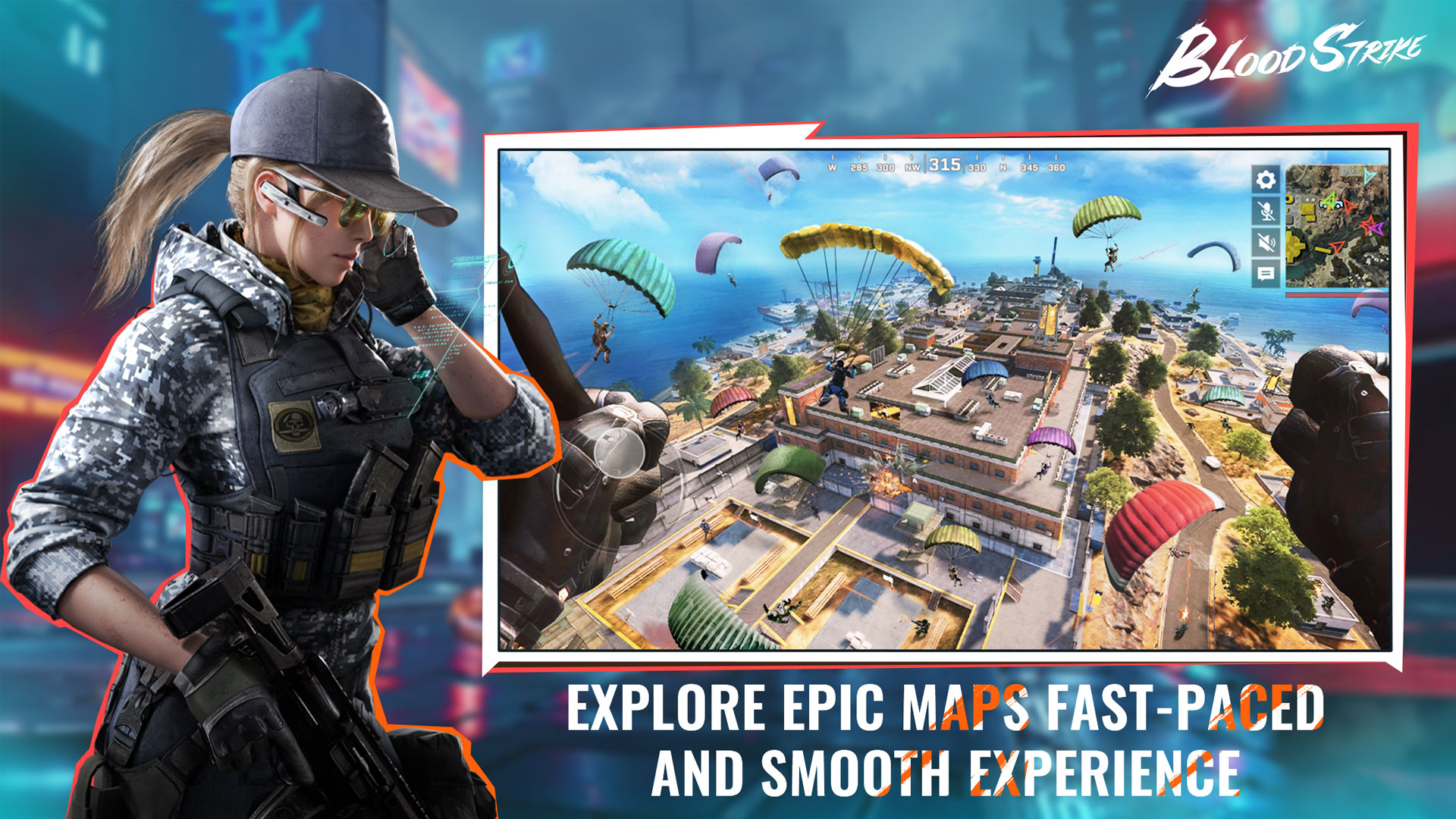
Discover Blood Strike, a thrilling next-generation FPS battle royale where strategy meets fast-paced action. Players are dropped into a live battlefield filled with opponents, where survival depends on quick reflexes, smart positioning, and effective use of abilities. The game blends classic battle royale elements with unique Striker skills and dynamic combat mechanics, making every match unpredictable and exciting.
Gameplay Overview
Blood Strike follows the traditional battle royale format, where players compete to be the last one standing. You can play solo, duo, or squad-based matches depending on your preference. Each match begins with players parachuting onto the map, scavenging for weapons, and engaging in combat while staying within the shrinking safe zone.
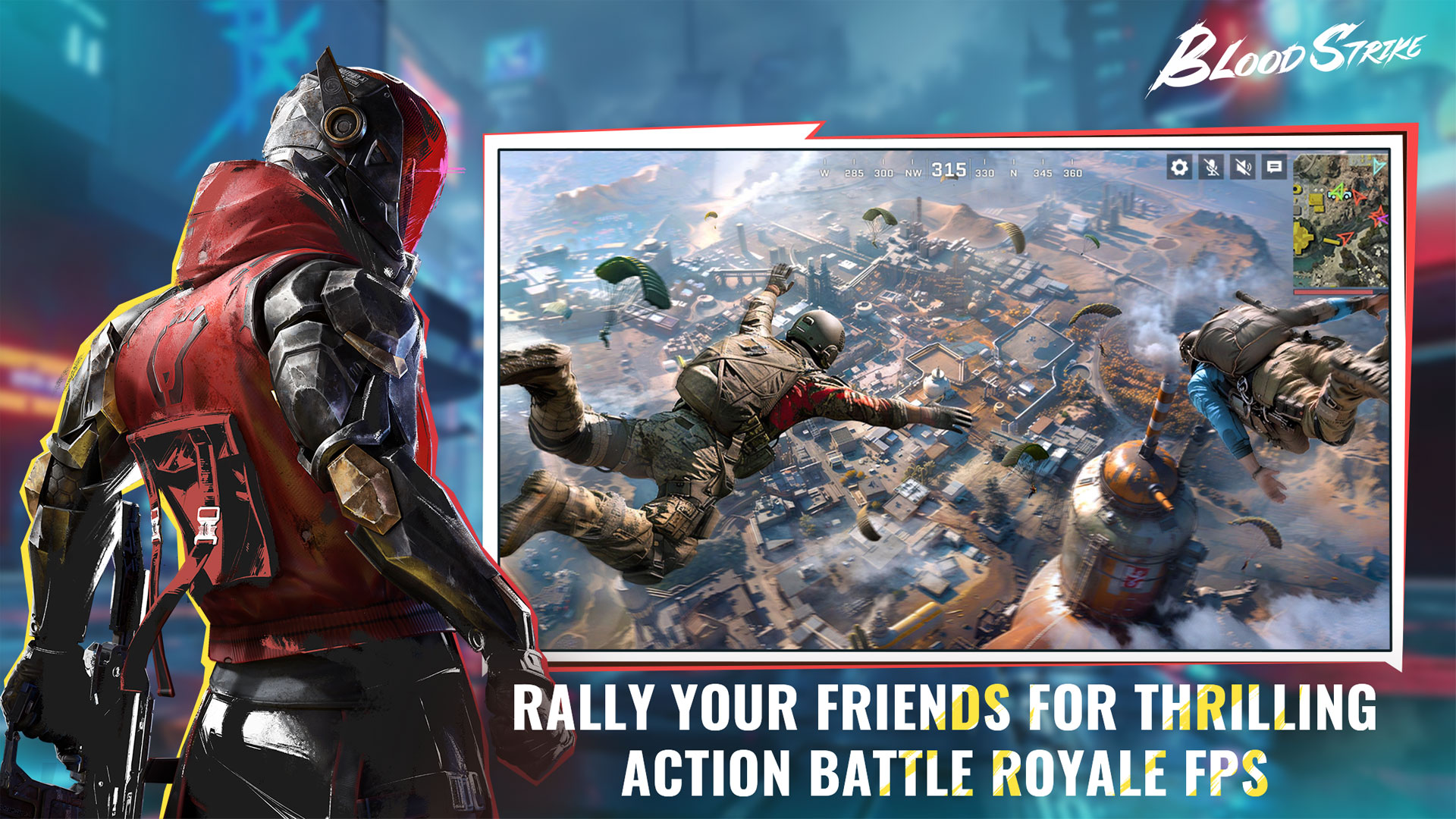
Features
- Unique Strikers with active and passive abilities
- Multiple game modes, including Battle Royale and Squad Fight
- Wide range of customizable weapons and loadouts
- Fast-paced movement mechanics like sliding and parkour
- Frequent events and rewards
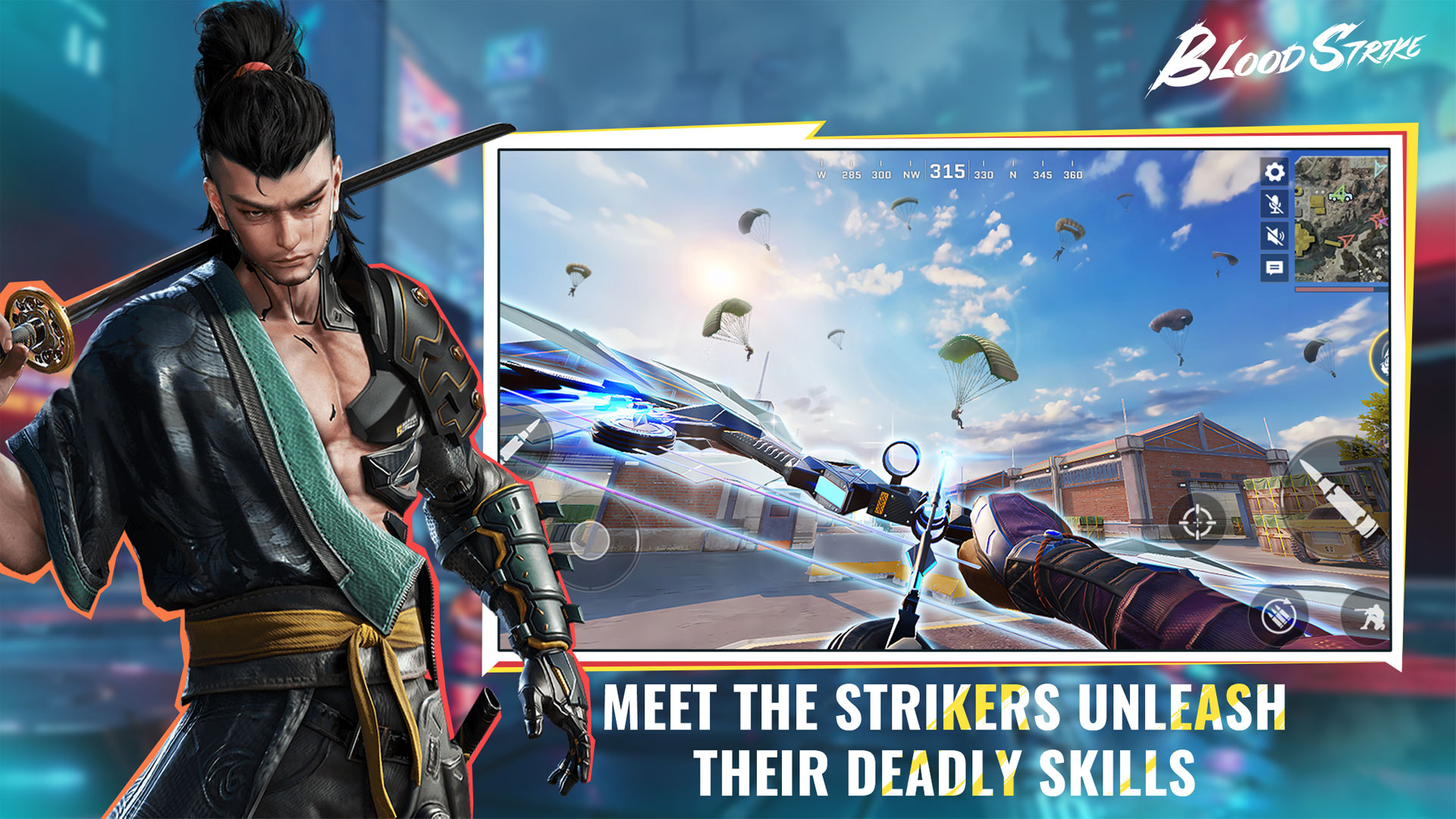
How to Play
- Choose your Striker based on your preferred playstyle.
- Drop into the battlefield and start looting weapons and resources.
- Engage enemies using strategic positioning and abilities.
- Stay inside the safe zone and eliminate opponents.
- Survive till the end to win the match.
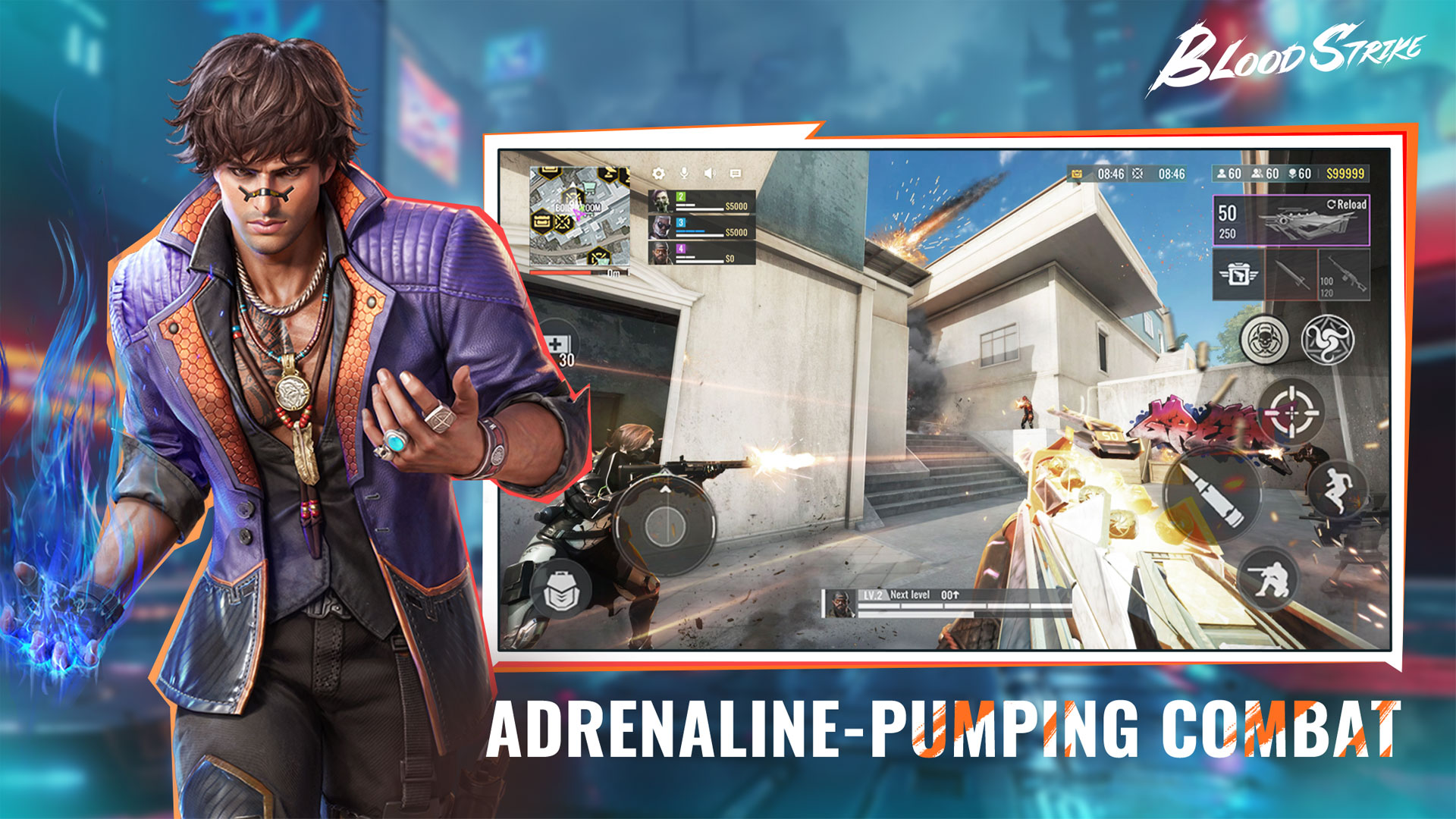
Important Things to Know
- Each Striker has unique skills that can turn the tide of battle.
- Loot management is crucial for survival.
- Movement mechanics like sliding and jumping improve survivability.
- Map awareness is key to avoiding ambushes.
- Team coordination plays a major role in squad modes.
- Weapon modification system unlocks endless possibilities, letting players customize and upgrade.
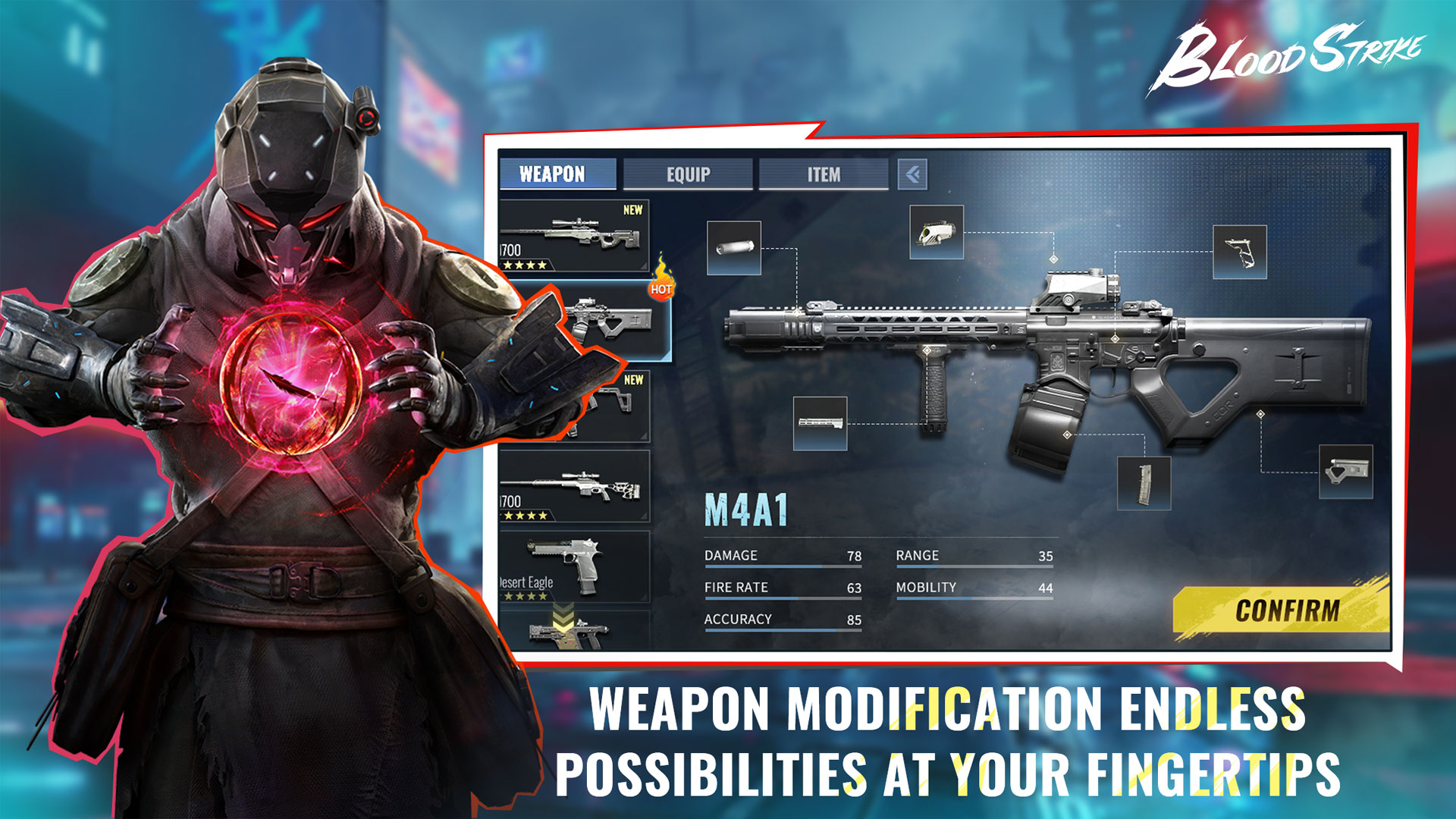
Game Modes
- Battle Royale: Compete to be the last survivor in ranked or unranked matches.
- Squad Fight: 4v4 matches where teams battle across multiple rounds.
- Hot Zone: Capture and hold zones to earn points.
- Range: Practice your aim and test weapons against bots.
Strategy Tips
- Always land in areas with good loot but manageable enemy presence.
- Use Striker abilities strategically during fights.
- Stick with your team in squad modes.
- Keep moving to avoid being an easy target.
- Practice aiming and recoil control in Range mode.
Key Controls
You can play Blood Strike on BlueStacks 5 using the keyboard/mouse controls given below.
To look around using your mouse cursor or to use the left mouse button to shoot, press F1 on your keyboard. To temporarily suspend this and interact with other in-game elements, such as changing settings, press F1 again or hold "ALT" to make your mouse cursor visible again. To learn more about how to use the F1 key, click here.
Movement controls
| Key | Action |
| Move forward, left, backward, right | |
| Sprint | |
| Jump | |
| Crouch | |
| Prone |
Combat controls
| Key | Action |
| Look around / Aim | |
| Show mouse cursor temporarily | |
| Shoot | |
| Scope in | |
| Weapon 1 | |
| Weapon 2 | |
| Items | |
| Throwables | |
| Reload |
Driving controls
| Key | Action |
| Steer | |
| Enter/Exit vehicle | |
| Peek out | |
| Change seat |
General controls
| Key | Action |
| Backpack | |
| Change Loadout | |
| Change Striker | |
| Aid | |
| Interact | |
| Map | |
| Striker Skill | |
| Ping location |
For more details, click here.
You are now ready to flaunt your fighting skills and squad up with diverse Strikers for a one-of-a-kind Battle Royale experience when you play Blood Strike on BlueStacks 5.
Recommended Settings
You can play Blood Strike at high FPS and enjoy an enhanced graphical experience on BlueStacks 5 by applying the following in-game settings.
- Set FPS to Ultra
- Set Resolution to High
- Set Graphics Quality to High
For more details, click here.
Minimum System Requirements
- OS: Windows 7 or newer, macOS 11 or newer
- Processor: Intel, AMD, or Apple Silicon M1 to M4
- RAM: At least 4GB
- Storage: 10GB of free space
- Permissions: Administrator access
- Graphics: Updated drivers from Microsoft or your chip maker
Detailed Guides
- Tips and Tricks to Increase your Win Rate
- Map Guide: Tactical Locations
- Weapons Tier List
- Striker Tier List
- Guide for All Strikers
For more detailed guides, click here.
Redeem Codes
Use these codes to unlock rewards:
- BSREWARD10K
- MARCH21ST
- BLOODSTRIKEFB
- TYSTRIKERS
- 5MSTRIKERS
2nd Anniversary Celebration is here! Join anniversary events, claim exclusive skins, and earn massive gold bar rewards! Meet new Striker ALONDRA and experience Golden Wildcards, Grappling Hook, and Thompson SMG! For more details, click here.
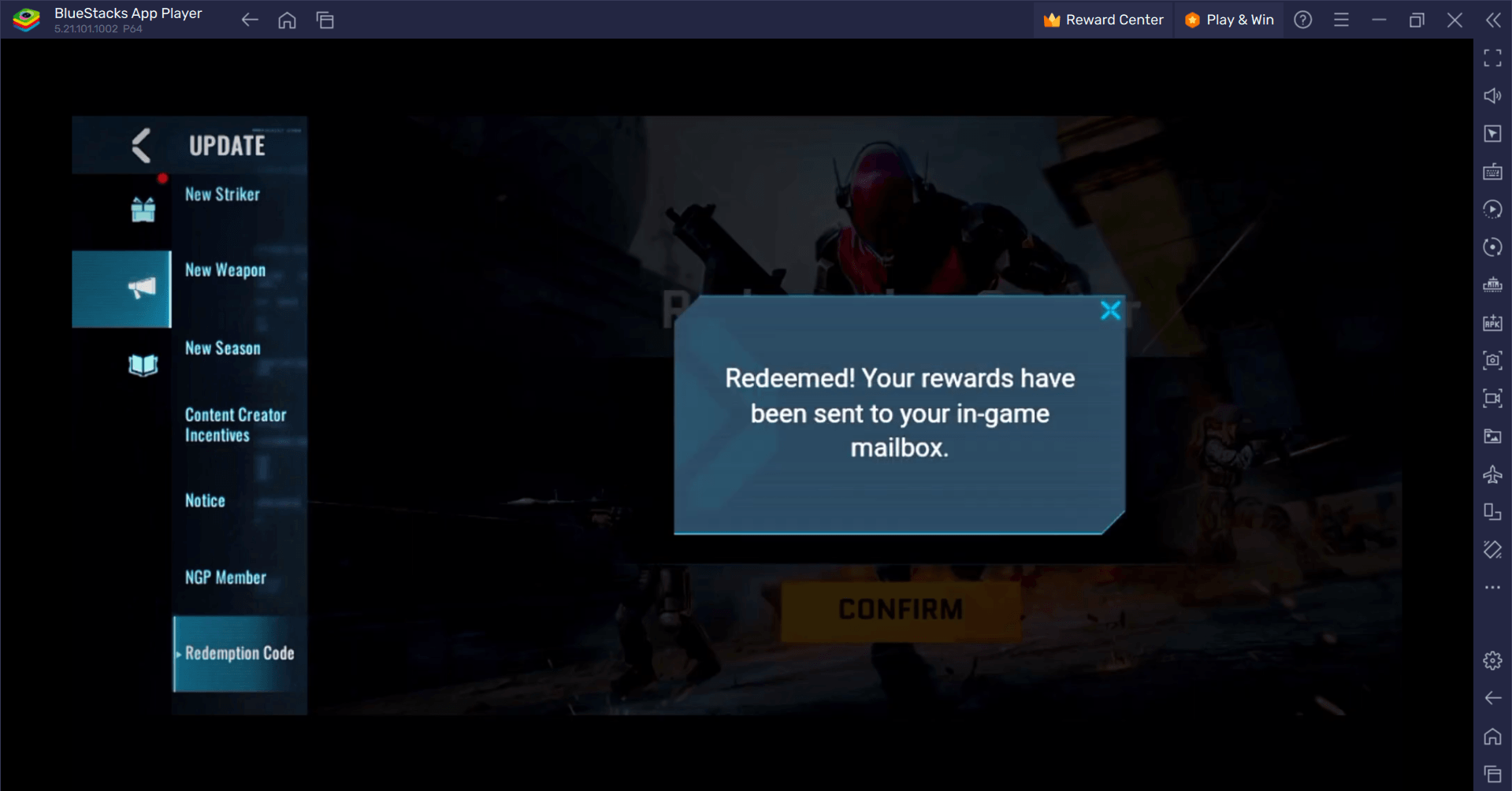
To redeem codes, go to the Event tab, find the speaker icon, and enter the code. Rewards will be sent to your mailbox. For more details, click here.
Support Hub
Facing issues? Try these quick fixes:
- Matchmaking errors: Toggle Speed Mode in network settings.
- Game not launching: Clear cache or update BlueStacks.
- Low FPS: Increase allocated resources or lower graphics.
- Game not in Play Store: Install via APK.
Still need help? Visit the BlueStacks Help Center or submit a problem report.
Got questions about guilds, gaming, or our product? Join our Discord for discussions and support!
Jump into Blood Strike on BlueStacks 5 and experience battle royale like never before. With powerful tools, smoother gameplay, and precise controls, you are always one step ahead.
Parkour across the battlefield to turn the tide of battle! Do you have what it takes to be the last one standing?
Thank you for choosing BlueStacks. We hope you enjoy using it. Happy Gaming!